
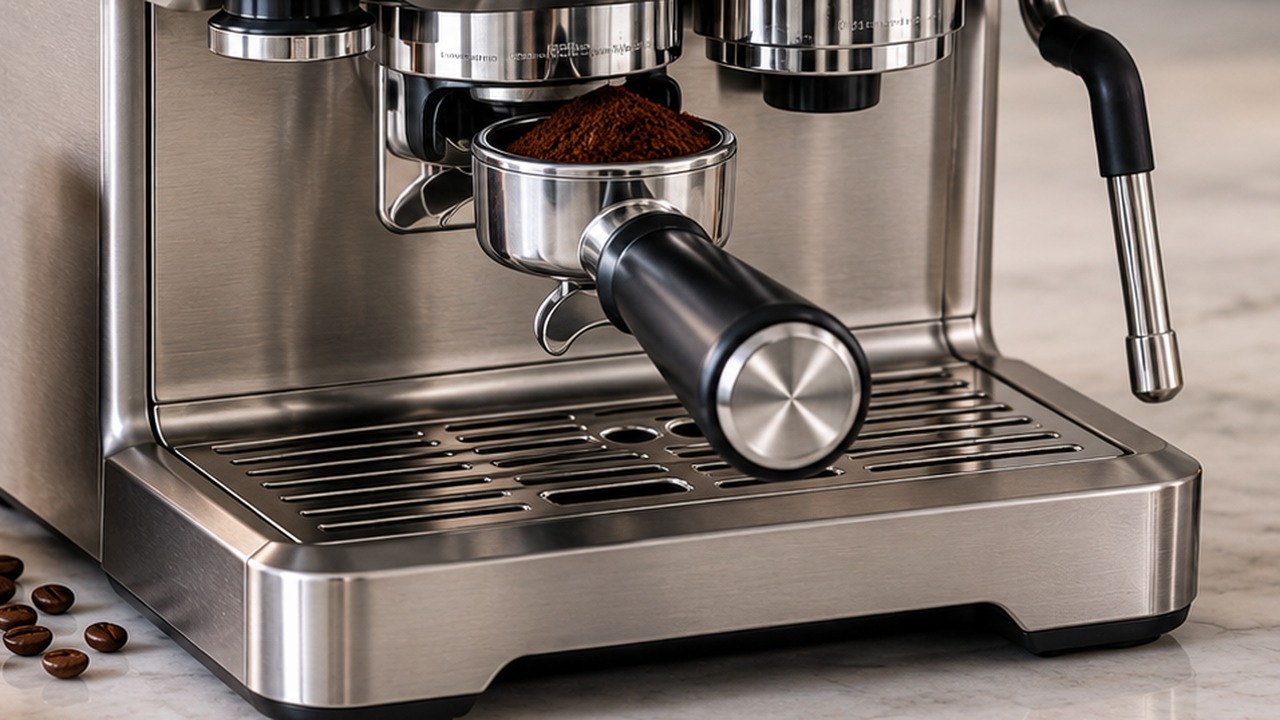
The best starting Breville Barista Touch grind size for the BES880 is level 14, which is also Breville’s official starting recommendation. From there, use a lower number for a finer grind or a higher number for a coarser grind.
Level 14 is only a starting point. Different beans, roast levels, age and dose can require noticeably different settings, so the correct grind size is the one that produces a balanced extraction with your specific coffee.
This guide is specifically for the original Breville Barista Touch BES880, which has 30 grind settings. It does not cover the newer Barista Touch Impress BES881.
Breville Barista Touch Grind Size Quick Guide
| What you see or taste | Likely grind problem | Adjustment |
|---|---|---|
| Espresso starts flowing in 1–7 seconds | Too coarse | Use a lower number / finer grind |
| Flow begins around 8–12 seconds and resembles warm honey | Near the target range | Keep the setting and judge by taste |
| Espresso starts after about 13 seconds or only drips | Too fine | Use a higher number / coarser grind |
| Shot is sour, pale, weak or watery | Usually under-extracted | Try finer |
| Shot is very dark, bitter or astringent | Usually over-extracted | Try coarser |
The important part is to adjust one variable at a time. If you change grind size, dose and tamping simultaneously, you will not know which change improved or worsened the espresso.
What Grind Size Should You Start With?
Breville recommends starting the Barista Touch at grind level 14. That gives you room to move in either direction while dialing in a new bag of beans.
Do not treat 14 as the permanent correct setting for every coffee. Two bags with the same roast description can behave differently, and the same beans may need a slightly different setting as they age.
If level 14 produces a shot that runs too quickly, move toward a lower number. If the espresso barely flows or takes too long to begin, move toward a higher number.
How the BES880 Grind Size Dial Works
The Barista Touch displays the selected grind number on its touchscreen, but you do not change grind size by touching that number. The actual adjustment is made with the physical grind-size dial on the side of the machine.
- Lower number = finer grind.
- Higher number = coarser grind.
- The BES880 provides 30 grind settings.
If you need a reference for the other machine controls, touchscreen menus and operating functions, see our Breville Barista Touch manual guide.
How to Dial In the Breville Barista Touch
The easiest way to find the right setting is to start from a repeatable baseline rather than randomly changing the grinder after every cup.
- Start at grind level 14 when dialing in unfamiliar beans.
- Use the same filter basket for each test.
- Keep the coffee dose consistent.
- Tamp as consistently as possible.
- Extract the espresso and watch when the first flow begins.
- Taste the shot after observing the flow.
- Change the grind only one or two steps at a time.
- Repeat until the flow and flavor are balanced.
Breville’s extraction guide gives approximately 8–11 g for a single basket and 16–19 g for a double basket. The BES880 is commonly used around the 18 g range with the double basket.
Keeping dose reasonably consistent matters because adding or removing coffee also changes resistance to water. A slow shot does not automatically prove the grind is too fine if you also increased the dose.
If the Espresso Runs Too Fast
If espresso begins flowing within roughly 1–7 seconds, runs quickly and looks pale or watery, Breville classifies that behavior as under-extraction.
Move the grind setting toward a lower number to make the coffee finer. A finer grind creates more resistance, slowing the water as it moves through the puck.
Make a small adjustment and extract another shot instead of jumping several settings at once. Breville notes that finding the right setting for a new coffee may take two or three attempts.
If the Espresso Runs Too Slowly
If the first espresso does not appear until around 13 seconds or later, or the coffee only drips from the portafilter, the grind may be too fine.
Move toward a higher number for a coarser grind. This reduces resistance and allows water to pass through the coffee more easily.
A very fine grind can produce a dark, bitter or astringent espresso. If the machine is barely able to pass water through the puck, do not keep making the grind finer simply because another owner uses a lower number.
What Does a Good Extraction Look Like?
Breville’s BES880 extraction guide describes a correctly extracted shot as beginning to flow after approximately 8–12 seconds. The espresso should flow slowly with a consistency similar to warm honey and develop a golden-brown crema.
Those observations are more useful than copying somebody else’s grind number. If your machine produces a balanced shot at setting 11 while another BES880 needs 16, that does not mean either grinder is necessarily wrong.
Taste remains the final test. Espresso should balance sweetness, acidity and bitterness rather than simply matching a timer.
Sour Espresso: Should You Grind Finer?
A sour, thin or underdeveloped shot combined with fast flow normally points toward under-extraction. In that situation, moving the BES880 one or two settings finer is a sensible first adjustment.
Do not diagnose flavor from grind size alone, however. Dose, bean freshness, coffee temperature and puck preparation can also affect extraction.
Bitter Espresso: Should You Grind Coarser?
If the shot flows very slowly and tastes bitter, burnt or strongly astringent, the grind may be too fine. Move toward a higher number and test again.
If the flow already looks normal, changing grind size may not be the right fix. Roast level, brew temperature and the coffee itself also influence bitterness.
Grind Size vs. Grind Amount
Grind size and grind amount are different controls on the Barista Touch. Grind size changes how fine or coarse each coffee particle is, while grind amount changes how much coffee the grinder dispenses into the basket.
A change in grind size can also change how much ground coffee fits into the basket during a timed dose. This is why you may occasionally need to adjust grind duration after finding a substantially finer or coarser setting.
Do not compensate for every fast shot by simply adding more coffee. Establish a sensible dose first, then use grind size as the main control for dialing extraction speed.
Do Different Coffee Beans Need Different Grind Sizes?
Yes. There is no universal Barista Touch setting that works for every bean. Roast level, density, age and even environmental conditions can change how the coffee behaves in the grinder and portafilter.
When you open a new bag, begin from your previous setting or Breville’s level-14 baseline and judge the resulting shot. Fresh beans may also require small adjustments over time as they age.
As a general tendency, lighter and denser coffees can require a finer grind than darker roasts, but use this only as a direction for experimentation rather than a fixed number chart.
When the Normal Grind Dial Is Not Fine or Coarse Enough
The BES880 has a second adjustment that many owners never need to touch: the adjustable upper burr. Breville provides this specifically to extend the available grinding range when the normal external settings are no longer sufficient.
For example, if you have reached the fine end of the normal adjustment range and the espresso still runs too quickly, moving the upper burr one step finer gives the external dial a finer overall range. The reverse applies if the usable range has become unnecessarily fine.
This is a calibration adjustment, not something to change every time you buy different beans. Use the normal side dial first.
How to Adjust the Barista Touch Upper Burr
Breville recommends changing the upper burr only one number at a time. Empty the grinder before removing the burr and handle the burr carefully because its cutting edges are sharp.
- Unlock the bean hopper and empty the beans into a container.
- Reinstall and lock the empty hopper.
- Run the grinder until no beans remain inside.
- Unlock and remove the hopper again.
- Unlock and remove the upper burr.
- Remove the wire handle from the burr adjustment ring.
- Move the adjustable upper burr one number toward Fine or Coarse.
- Align the selected number with the wire-handle opening.
- Reinstall the wire handle.
- Push the upper burr firmly back into position and lock it.
- Reinstall and lock the hopper.
- Add beans and dial in again using the normal grind-size control.
If the burr is damaged or you are trying to identify the correct replacement rather than recalibrate it, see our Breville Barista Touch parts guide.
Do Not Chase Someone Else’s Grind Number
Online recommendations such as “use setting 8” or “setting 17 is perfect” are only useful as examples. BES880 grinders can have different upper-burr calibration, and the beans being used can be completely different.
Two owners can therefore obtain good espresso using different numbers. Use Breville’s level-14 recommendation as a neutral starting point and let your own extraction determine the final setting.
When Grind Size Is Not the Problem
If changing the grind setting has little effect, the grinder will not run, the touchscreen reports an error, no coffee is being dispensed, or the grinder makes an abnormal noise, you may be dealing with a fault or blockage rather than normal dialing-in.
Those issues belong to diagnosis rather than grind adjustment. Use our Breville Barista Touch troubleshooting guide if the grinder or machine is not operating normally.
Breville Barista Touch Grind Size FAQ
What is the best grind size for the Breville Barista Touch?
Breville recommends starting at grind level 14 on the BES880. Adjust from there according to the extraction rather than treating 14 as a universal final setting.
Does a lower number mean finer on the Barista Touch?
Yes. A lower grind number produces a finer setting, while a higher number produces a coarser setting.
What grind size should I use if my espresso runs too fast?
Move to a lower number to grind finer. If espresso begins flowing in only a few seconds and looks thin or pale, the coffee is usually offering too little resistance.
What grind size should I use if the espresso barely comes out?
Move to a higher number for a coarser grind. Coffee that is too finely ground can restrict flow enough that espresso only drips from the portafilter.
How many grind settings does the BES880 have?
The Breville Barista Touch BES880 has 30 grind settings on its integrated conical burr grinder.
Why can I not change grind size on the touchscreen?
The touchscreen displays the grind setting, but grind size is adjusted with the physical dial on the side of the BES880. The number shown on screen is not a touchscreen adjustment button.
Should I change the upper burr?
Only when the normal grind-size range cannot produce the extraction you need. Breville allows the upper burr to be moved one step finer or coarser to extend the grinder’s overall range, but it should not be used as the everyday grind adjustment.