
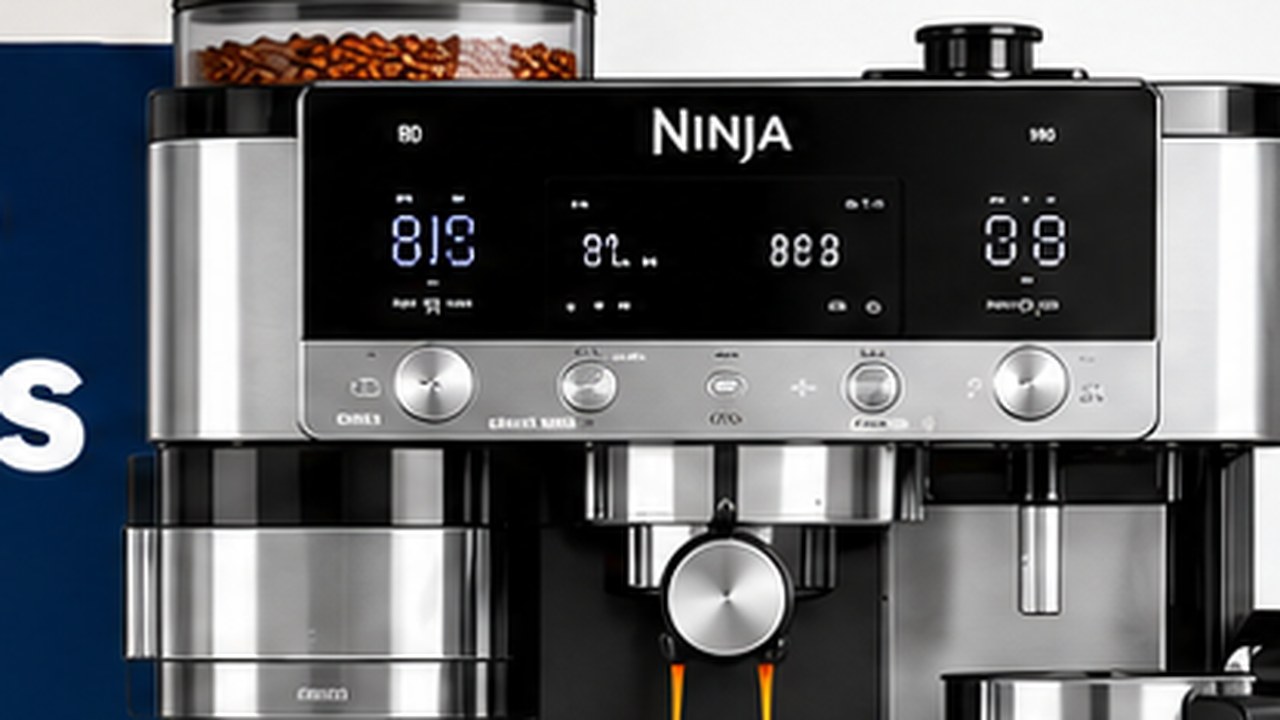
The Ninja Luxe Café Pro ES701 has three adjustable brew temperature settings: Low, Medium, and High. Medium is the default. Ninja recommends Low or Medium for darker roasts and Medium or High for lighter roasts, but the best setting ultimately depends on your beans and the flavor you prefer.
One important ES701 detail is easy to miss: brew temperature and froth temperature are separate settings. Brew temperature is controlled with the TEMP/STRENGTH button, while milk froth temperature is adjusted through Additional Setting _h06.
Ninja Luxe Café Pro temperature settings at a glance
| Setting | Best starting use |
|---|---|
| Low | Dark roasts or when coffee tastes overly bitter |
| Medium | Default; best starting point for most beans |
| High | Light roasts or when more extraction is needed |
| Froth Low | Cooler heated milk |
| Froth Medium | Default milk temperature |
| Froth High | Hotter heated milk |
Ninja does not publish exact Fahrenheit brewing temperatures for the Low, Medium, and High presets in the U.S. ES701 owner’s guide, so it is better to treat them as relative settings rather than assigning unofficial temperatures to them.
How to change the brew temperature on the ES701
You can adjust brew temperature directly from the main control panel. You do not need to enter the Additional Settings menu.
- Turn the ES701 on and select the drink you want to brew.
- Look at the TEMP/STRENGTH control.
- If TEMP is not illuminated, press and hold TEMP/STRENGTH for about 3 seconds.
- Select Low, Medium, or High.
- Grind, tamp, and brew normally.
The display represents Low with one dot, Medium with two dots, and High with three dots.
Low vs. Medium vs. High temperature
Low temperature
Low is the cooler brew setting and is a useful starting point with darker roasted beans.
Dark roasts are easier to extract than light roasts and can develop harsh, roasted, or bitter flavors when pushed too far. If a dark-roast espresso tastes aggressive even after the grind is properly dialed in, Low can be worth trying.
Medium temperature
Medium is the ES701 default and the safest starting point when you open a new bag of beans.
Unless you have a reason to change it, start on Medium, allow Barista Assist to dial in the grind, taste the coffee, and then decide whether temperature needs adjustment.
High temperature
High is particularly useful with lighter roasted beans, which are generally harder to extract.
If a light-roast espresso remains noticeably sharp or underdeveloped after the grind is properly dialed in, moving from Medium to High is a reasonable experiment.
Best temperature for dark roast
Ninja specifically recommends Low or Medium brew temperature for darker roasts.
Start on Medium if you are unsure. Move to Low if the coffee tastes too bitter, harsh, or roasted after you have confirmed that the grind and extraction are otherwise reasonable.
Do not automatically lower temperature just because a bag says dark roast. Taste the result first.
Best temperature for light roast
For lighter roasts, Ninja recommends Medium or High.
Start with Medium and try High if the coffee seems under-extracted or lacks the sweetness and developed flavor you expect from the beans.
Light beans can also require a different grind from dark beans, so do not use temperature to compensate for a clearly incorrect grinder setting.
What temperature should you use for medium roast?
Medium is the simplest starting point for a medium roast.
If the particular coffee leans darker and tastes harsh, try Low. If it is a lighter-style medium roast and tastes underdeveloped, try High. Roast labels are broad categories, so let the cup decide after you establish a sensible starting point.
Temperature affects extraction, not just how hot the cup feels
Brew temperature changes more than the drinking temperature. Ninja notes that it affects espresso extraction and the flavor of the drink.
In general, hotter water can extract coffee more aggressively, while a lower temperature can reduce extraction. That is why temperature can be useful for fine-tuning a shot after grind, dose, and preparation are already close.
It should not be the first setting you change when an espresso is obviously running far too fast or barely dripping. Those symptoms point more directly toward grind and puck resistance.
Temperature vs. grind size: which should you change first?
For espresso, get the grind reasonably dialed in before fine-tuning temperature.
- Select your drink and basket.
- Match CURRENT grind size to the Barista Assist recommendation.
- Grind and tamp consistently.
- Brew and evaluate the extraction.
- Only then experiment with Low, Medium, or High if the flavor still needs adjustment.
If the espresso gushes through or barely flows, changing temperature is unlikely to solve the underlying problem. Fix the extraction first.
Temperature vs. strength
TEMP and STRENGTH share one physical button on the ES701, but they control different things.
| Control | What it changes |
|---|---|
| Temperature | How hot the brewing water is within the Low/Medium/High presets |
| Espresso Strength | The water-to-ground-coffee ratio and therefore concentration/output |
| Coffee Strength | The amount of coffee ground for Mild, Default, or Bold |
If the espresso tastes weak because it is too diluted, changing strength may make more sense than increasing temperature. If the extraction and concentration are good but the roast tastes underdeveloped, temperature becomes a more useful variable.
Brew temperature vs. froth temperature
This is one of the most important differences to understand on the U.S. ES701.
Brew temperature controls coffee brewing and is adjusted with TEMP/STRENGTH.
Froth temperature controls the temperature of heated milk and is Additional Setting _h06.
Changing _h06 will not make the espresso itself hotter. Likewise, raising brew temperature does not change the programmed milk temperature.
How to change milk froth temperature
- Press and hold SIZE for about 3 seconds to open Additional Settings.
- Turn the center dial to _h06 Froth Temperature.
- Press START BREW to select it.
- Choose LO, M, or HI with the center dial.
- Confirm your choice.
- Exit the menu with the SIZE button.
Medium is the default froth-temperature setting.
Remember that Cold Foam intentionally does not heat the milk. Changing _h06 to High will not turn Cold Foam into a heated froth program.
Why _h06 causes confusion on the ES701
Instructions for other Ninja Luxe Café models can use different Additional Settings layouts. On the U.S. ES701, _h06 is Froth Temperature.
Do not enter _h06 when your goal is simply to change coffee brew temperature. Use TEMP/STRENGTH on the main control panel instead.
Which drinks allow temperature adjustment?
The ES701 does not offer brew-temperature control for every drink.
Ninja specifically states that temperature control is not available for Over Ice, Cold Brew, or Cold-Pressed.
| Drink type | Manual brew-temp adjustment? |
|---|---|
| Hot espresso drinks | Yes |
| Hot coffee drinks | Yes where TEMP is available |
| Over Ice | No |
| Cold Brew | No |
| Cold-Pressed | No |
If TEMP does not appear while one of those cold programs is selected, that is normal behavior rather than a control-panel fault.
Why is my Ninja Luxe Café Pro coffee not hot enough?
If the drink seems too cool, do not immediately assume the heater is failing or switch every brew to High.
- Check that the selected drink actually supports temperature adjustment.
- Try High when appropriate for the beans.
- Preheat the cup.
- Preheat the portafilter and group-head path.
- Use a cup reasonably close to the volume of the drink.
- Check whether DESCALE is overdue if performance has gradually changed.
If the machine remains abnormally cool after the normal user checks, or the problem affects several hot-water and brewing functions, continue with our Ninja Luxe Café Pro troubleshooting guide.
Preheat the cup before changing the machine
A small espresso loses heat quickly when it enters a cold ceramic mug.
Ninja specifically recommends using a cup that is reasonably close to the size of the drink. Cup material also affects the final temperature, and the owner’s guide notes that a thinner cup can help preserve a hotter drinking result.
For a meaningful comparison between Medium and High, use the same cup and preheat it each time. Otherwise the cup itself can mask the difference you are trying to evaluate.
How to preheat the ES701 before brewing
Ninja recommends running hot water through the group head and portafilter when you want to increase the final drink temperature.
- Install the portafilter without coffee.
- Place the cup you intend to use underneath.
- Run a water-only Double espresso flush through the portafilter and into the cup.
- Discard the hot water.
- Dry the cup and basket thoroughly.
- Grind and brew your coffee normally.
Drying the basket after preheating is important because the grinder and coffee puck should not be exposed to unnecessary water before brewing.
Should you leave the ES701 on High all the time?
Not necessarily.
High is not a universal “better coffee” setting. It is simply the hottest of the three brewing presets and is particularly useful when the coffee benefits from greater extraction.
A dark roast that tastes balanced on Medium may become harsher on High. Conversely, a light roast may taste more complete on High than on Low.
Use Medium as your neutral reference and move only when the cup gives you a reason.
Why does changing temperature change the taste?
Temperature influences how readily different compounds are extracted from ground coffee.
That is why two shots made with the same beans, dose, basket, and grind can taste different when brewed at Low and High.
Use temperature for fine adjustment. If the grind is dramatically wrong, fix that first rather than trying to rescue a poor extraction with temperature alone.
Coffee tastes too bitter
If a properly prepared shot tastes unpleasantly bitter, a lower brewing temperature can be worth testing, particularly with a darker roast.
- Keep the same beans.
- Keep the same basket and strength.
- Confirm the recommended grind first.
- Move from High to Medium, or Medium to Low.
- Compare the result before changing anything else.
Bitterness can also come from the roast itself or an extraction problem, so temperature is only one possible cause.
Coffee tastes sour or underdeveloped
A light roast that tastes sharply sour or hollow may benefit from moving from Medium to High, but check the extraction first.
- Make sure Barista Assist is not recommending a different grind.
- Make sure espresso is not rushing through far too quickly.
- Keep dose and strength consistent.
- Then test a higher temperature.
If changing temperature does not help, return to the grind and extraction rather than continuing to raise unrelated settings.
Milk is not hot enough
If the espresso is hot but the finished latte, flat white, or cappuccino feels too cool, brew temperature may not be the problem.
Check _h06 Froth Temperature and make sure you are using a heated froth preset rather than Cold Foam.
If the milk remains unusually cool on High, steam is weak, or the frothing cycle is not working correctly, use our Ninja Luxe Café Pro frother troubleshooting guide.
Hot Water has its own temperature setting too
The ES701’s independent Hot Water function also offers Low, Medium, and High, but that is another separate temperature control.
- Press HOT WATER.
- Turn the center dial to select Low, Medium, or High.
- Press START BREW to begin dispensing.
Changing Hot Water temperature does not change espresso brew temperature or _h06 froth temperature.
Three different ES701 temperature controls
| Temperature | Where to change it | What it controls |
|---|---|---|
| Brew temperature | TEMP/STRENGTH | Coffee and espresso brewing |
| Froth temperature | Additional Settings _h06 | Heated milk/froth |
| Hot Water temperature | HOT WATER + center dial | Independent hot-water outlet |
Keeping these three controls separate prevents one of the most common ES701 settings mistakes: changing milk or Hot Water temperature while expecting the espresso itself to become hotter.
Best ES701 temperature setup to start with
If you have just bought the machine or changed beans, keep the setup simple:
- Medium brew temperature.
- Medium froth temperature.
- Barista Assist recommended grind.
- Default strength.
- Preheated cup when temperature matters.
Taste the result and change one variable at a time. That gives you a useful baseline instead of making it impossible to know which adjustment actually improved the coffee.
Quick Ninja Luxe Café Pro temperature checklist
- Medium is the default brew temperature.
- Use Low or Medium as the starting range for dark roasts.
- Use Medium or High as the starting range for light roasts.
- Hold TEMP/STRENGTH for about 3 seconds when you need to switch back to TEMP.
- Do not use _h06 to change coffee brew temperature.
- _h06 controls froth temperature.
- Hot Water has its own separate Low/Medium/High control.
- Over Ice, Cold Brew, and Cold-Pressed do not allow manual brew-temperature adjustment.
- Preheat the portafilter and cup when you want a hotter final drink.
- Dial in grind before using temperature to fix a major extraction problem.
The best Ninja Luxe Café Pro temperature setting is not always High. Start on Medium, use roast level as a guide, and adjust only after the grind and preparation are reasonably consistent. Most importantly, remember that the U.S. ES701 separates brew temperature, froth temperature, and Hot Water temperature into three different controls, so change the one that actually affects the part of the drink you want to improve.